

Linux editors for plain text can be divided into two categories, graphical GUI editors and console text editors. The advantage of the GUI editor is intuitive user friendly interface while the benefit of the console text editor is the suitability over long distance network connections which may or may not provide suitable bandwidth or reliability which would both be required by the GUI editors for remote operation.
| Screenshot | Description |
|---|---|
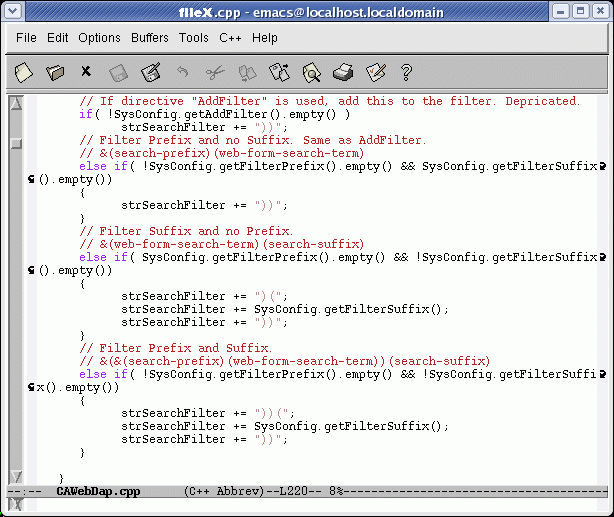 |  emacs: This console based plain text editor supports the theory that more is better. It tries to support every feature possible. emacs: This console based plain text editor supports the theory that more is better. It tries to support every feature possible.Also see the YoLinux.com emacs/xemacs tutorial. |
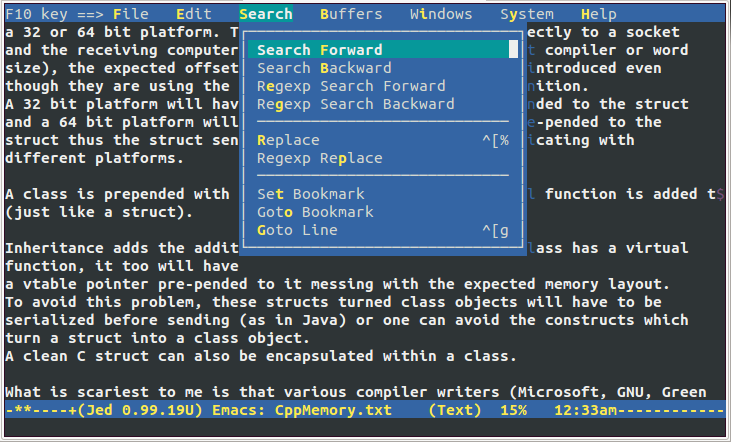 | jed: This console based plain text editor supports menus and other GUI features in a console based terminal. Targeted to software development. Text based but with some GUI menu features (accessible via esc+M). Feature rich including a unicode mode. Ubuntu Install: sudo apt-get install jed |
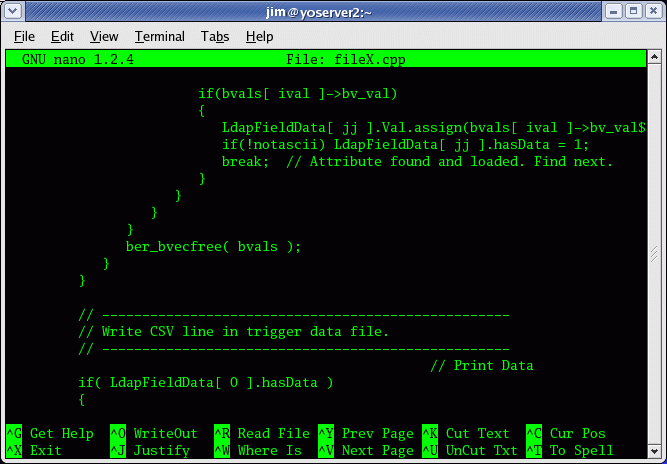 |  nano: This is a GNU.org clone of Pico. nano: This is a GNU.org clone of Pico. |
| pico: This console based plain text editor operates with the simplicity of a GUI editor making it a favorite with Linux beginners. Pico comes with the Pine email client. | |
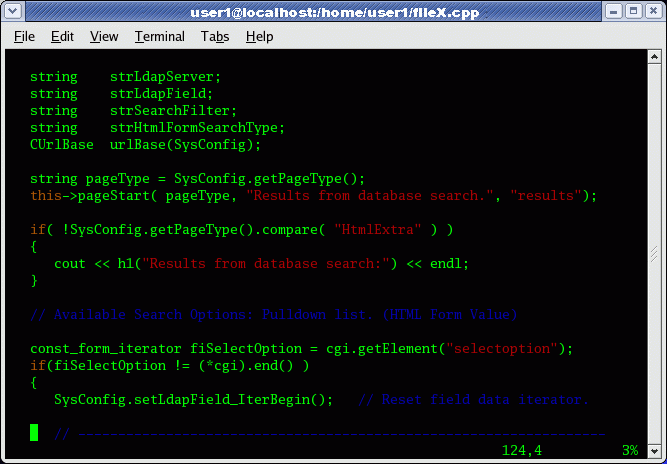 |  vim: This console based plain text editor supports syntax highlighting and numerous plug-ins for specialized configurations and features. This editor is ubiquitous and available on all Linux systems and is the "standard" Linux editor. While it is not intuitive and has a learning curve, it is worth learning if Linux is part of your career or future. vim: This console based plain text editor supports syntax highlighting and numerous plug-ins for specialized configurations and features. This editor is ubiquitous and available on all Linux systems and is the "standard" Linux editor. While it is not intuitive and has a learning curve, it is worth learning if Linux is part of your career or future.Also see the YoLinux.com vim tutorial. |
| Screenshot | Description |
|---|---|
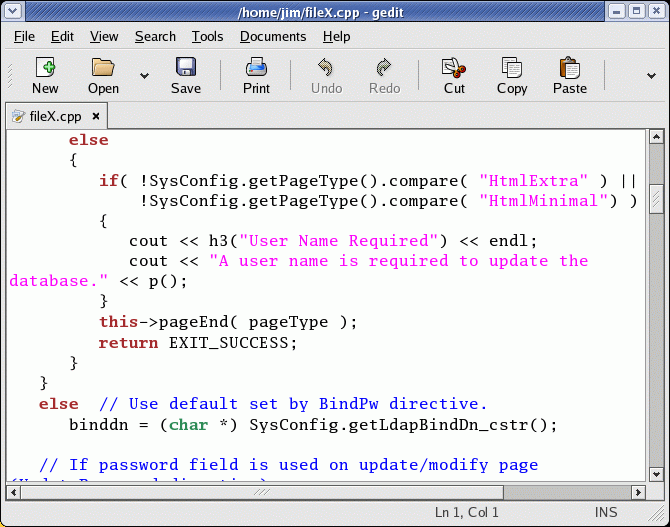 |  gedit: This is the default text editor for the Linux Gnome desktop. It supports syntax highlighting, printing, a variety of plug-ins, multi-language spell check, tabbed for multiple files, etc. gedit: This is the default text editor for the Linux Gnome desktop. It supports syntax highlighting, printing, a variety of plug-ins, multi-language spell check, tabbed for multiple files, etc. |
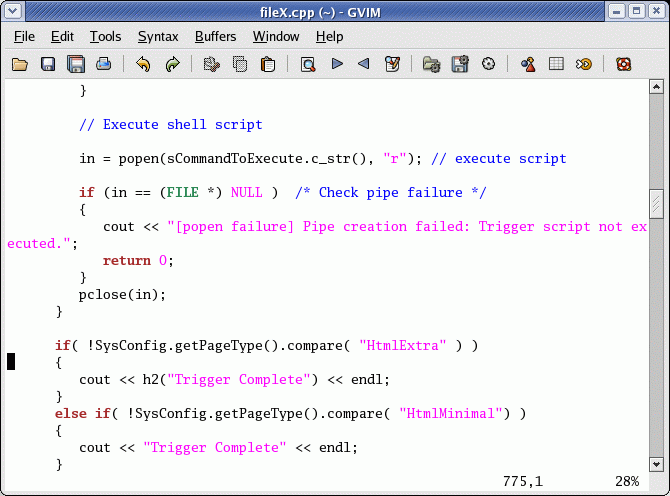 | gvim: This an attempt to provide a GUI editor based on the vim console editor. While it provides many of the features offered by a GUI text editor, it will still require knowledge of vim to stay out of trouble. |
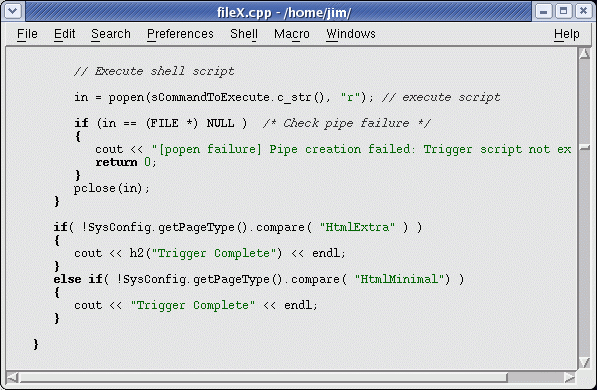 |  NEdit: This is one of the original Unix GUI editors programmed in Motif. It is your basic intuitive and easy to use GUI editor. NEdit: This is one of the original Unix GUI editors programmed in Motif. It is your basic intuitive and easy to use GUI editor. |
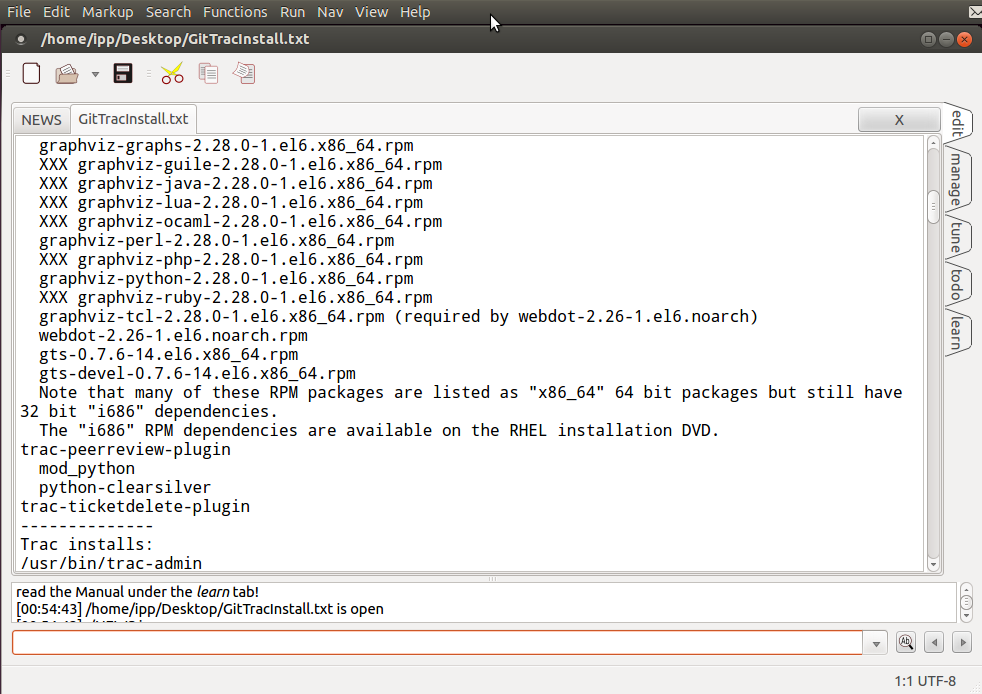 |  Tea: Qt based GUI editor. Syntax highlighting, cross platform, plain text, programming language support, regular expression search and replace, file manager, ridiculously comprehensive, almost an IDE. GPL3 Tea: Qt based GUI editor. Syntax highlighting, cross platform, plain text, programming language support, regular expression search and replace, file manager, ridiculously comprehensive, almost an IDE. GPL3Ubuntu Install: sudo apt-get install tea |
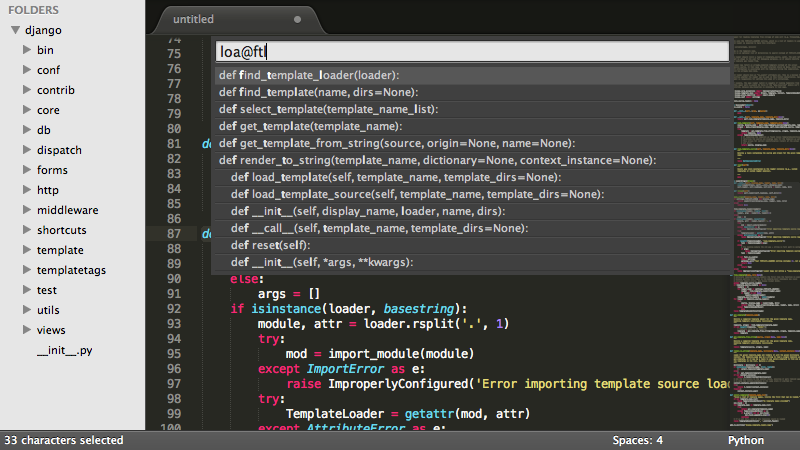 | Sublime: Commercial GUI editor. Syntax highlighting, cross platform, plain text, C++ and Python language support |
Structured text refers to logically formatted and/or annotated text to represent a data schema or programmatic function.
Two common formats available today are HTML for web markup of text documents and XML for data representation.
| Screenshot | Description |
|---|---|
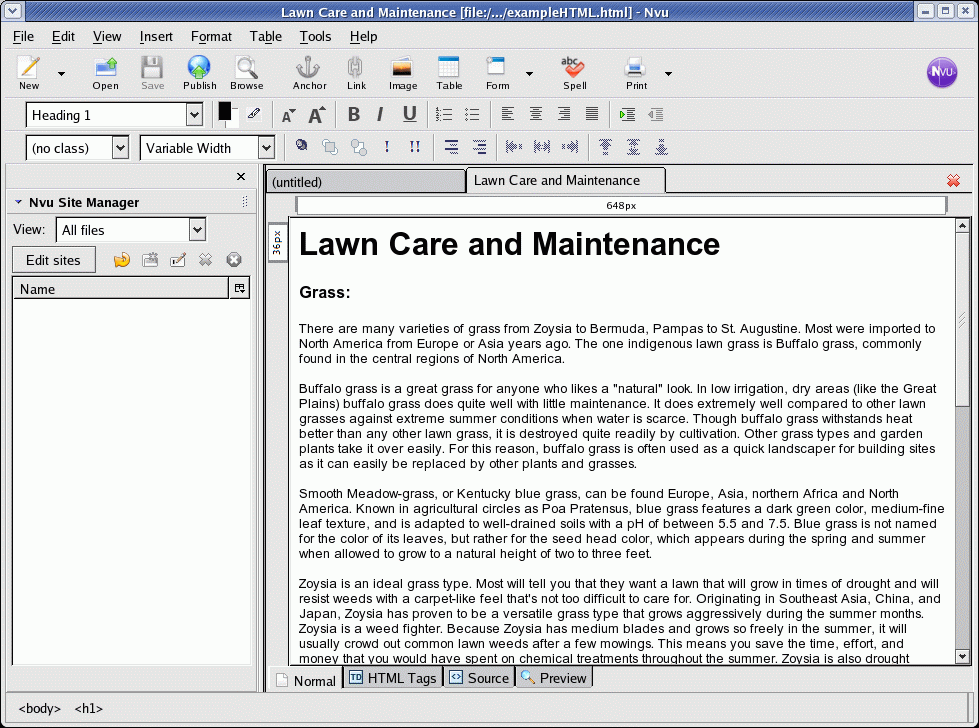 |  Kompozer:Easy to use WYSIWYG GUI HTML editor. Loads of features. Was renamed from "nvu". Kompozer:Easy to use WYSIWYG GUI HTML editor. Loads of features. Was renamed from "nvu". |
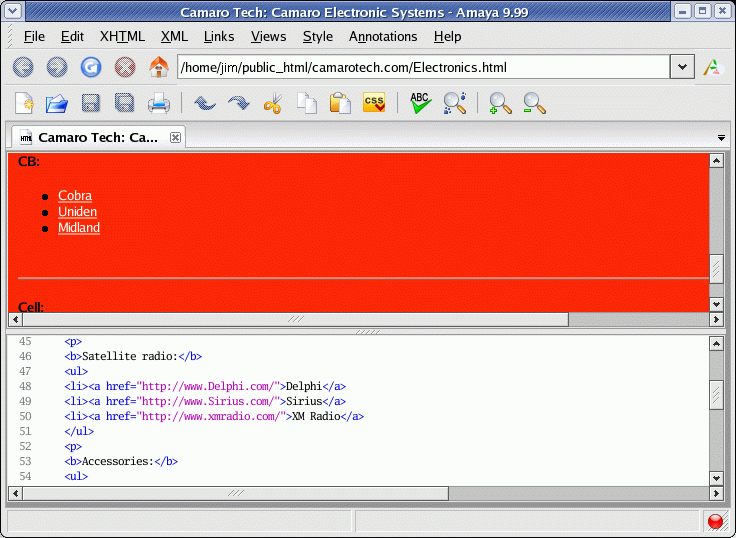 |  Amaya: Basic intuitive and easy to use WYSIWYG GUI HTML editor. Needs more features to be considered complete. Amaya: Basic intuitive and easy to use WYSIWYG GUI HTML editor. Needs more features to be considered complete. |
 |  Bluefish: GUI HTML text editor which also supports XML markup and even programming languages. Bluefish: GUI HTML text editor which also supports XML markup and even programming languages. |
| Screenshots |  Quanta: GUI HTML editor which also supports programming languages (PHP, SQL, Python, Perl, .... Quanta: GUI HTML editor which also supports programming languages (PHP, SQL, Python, Perl, ....Open source and commercial versions available: |
 Aptana: GUI HTML editor which also supports CSS, PHP, Ruby on Rails and Javascript (including debugging). Cross platform, Eclipse (stand alone or plug-in)/Java based editor. Aptana: GUI HTML editor which also supports CSS, PHP, Ruby on Rails and Javascript (including debugging). Cross platform, Eclipse (stand alone or plug-in)/Java based editor. | |
| Video |  CoffeeCup: Commercial HTML editor. Built-in validation. Supports HTML 5 and CSS3. CoffeeCup: Commercial HTML editor. Built-in validation. Supports HTML 5 and CSS3. |
| Screenshot | Description |
|---|---|
| screenshots |  KXML Editor: Easy to use GUI XML editor. I like it for error checking of XML files. KXML Editor: Easy to use GUI XML editor. I like it for error checking of XML files. |
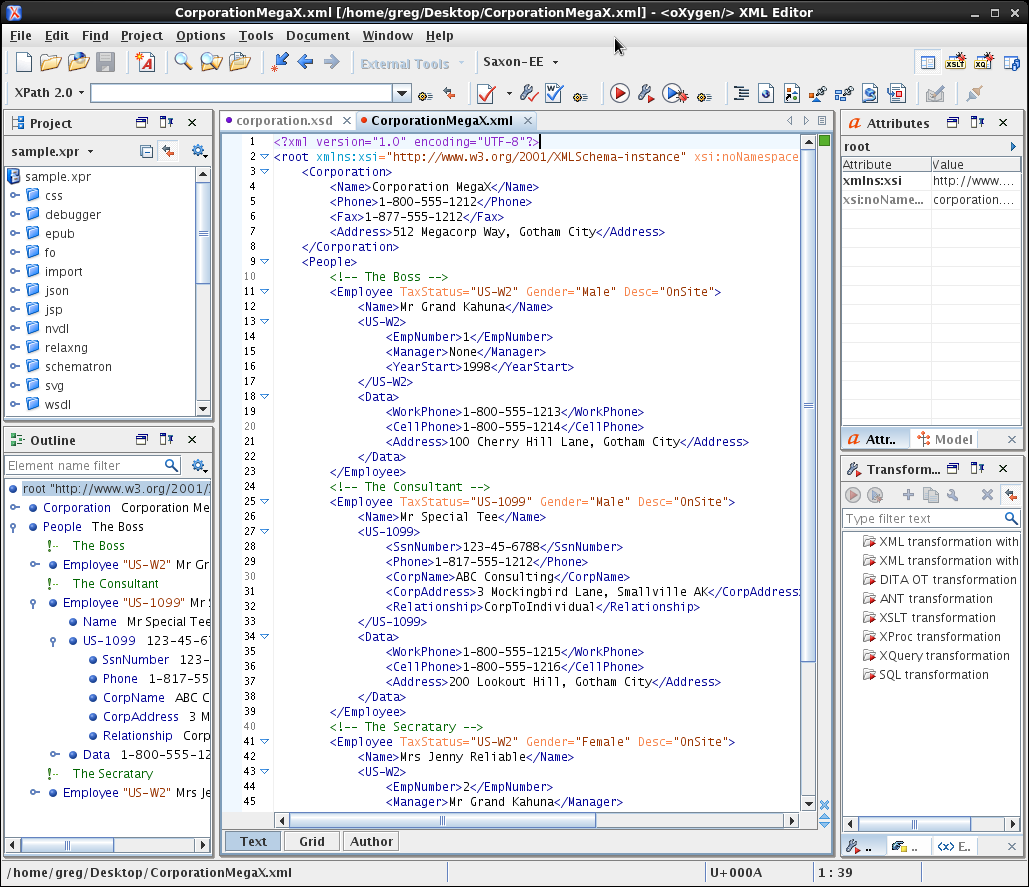 |  Oxygen XML: Commercial cross platform Java GUI XML / XSLT / XSD / DTD stand-alone or Eclipse plug-in editor. I've used it and found it to be a very capable editor with clear validation warning and error messages. Oxygen XML: Commercial cross platform Java GUI XML / XSLT / XSD / DTD stand-alone or Eclipse plug-in editor. I've used it and found it to be a very capable editor with clear validation warning and error messages. |
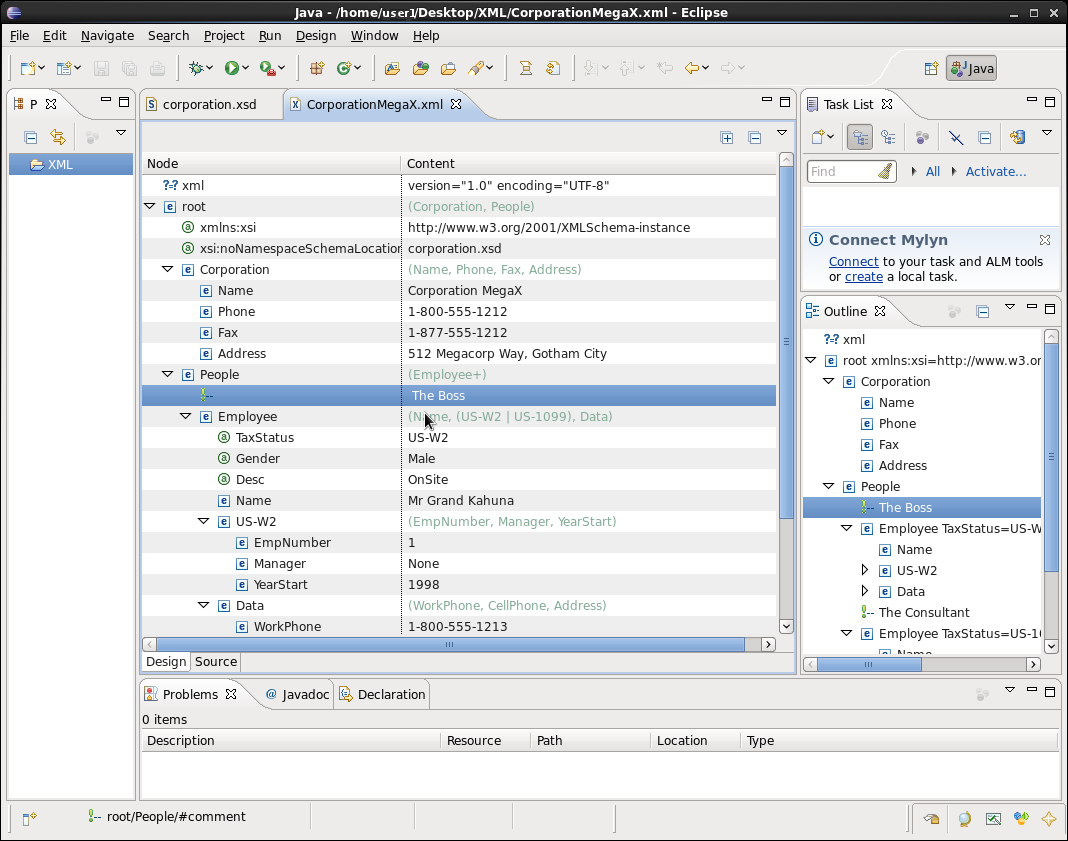 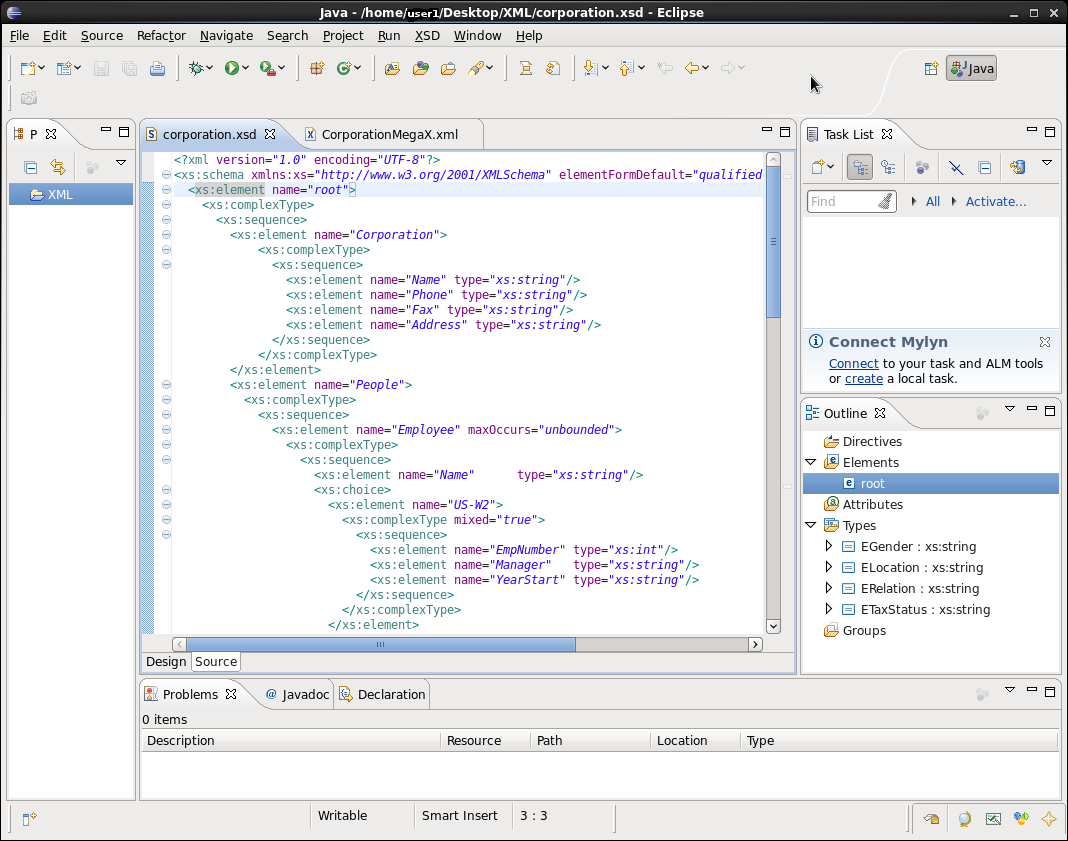 |  Eclipse: Cross platform Java IDE supports XML / XSLT / XSD / DTD. A very capable editor but not very good at verification of XML and XSD. Eclipse: Cross platform Java IDE supports XML / XSLT / XSD / DTD. A very capable editor but not very good at verification of XML and XSD.Eclipse structured text support for markup languages: CSS, DTD, HTML, JSP, XML, XSD |
 Conglomerate XML: XML / DocBook editor. Conglomerate XML: XML / DocBook editor. | |
| Vim Plug-ins: The Linux Vim editor MatchIt or xmledit plug-in can extend the "%" key to match XML/XHTML tags. Vim | |
| Emacs nXML mode: nXML mode allows a schema to be associated with the XML document being edited. Supports continuous validation. Emacs 21 and later. |
Favorite FOSS: KXML
This most often refers to Integrated Development Environments (IDE) for programming.
- Wikipedia comparison of text editors (all platforms)